
Sofabaton X1S Review: The Universal Remote That Fixed My HDMI CEC Issues
Houston - Issue created Successfully
In my last blog post I did a lot with streaming, and because of that my TV setup has grown to be quite complicated. HDMI CEC (Consumer Electronic Control) would never work, so we went from a one step process of turning the TV on to needing to turn on an AVR, two sound zones, and switch HDMI inputs on the HDFury Diva. This also meant having four different remotes to control everything. The WAF (wife approval factor) was certainly dropping.
Looking for a solution to the problem I created, I stumbled upon the Sofabaton X1S universal remote. It promised the ability to interface with all of my media devices, TVs, AVRs, and more, all from a single remote.
Sofabaton X1S Review
This post contains affiliate links. If you purchase through these links, we may earn a commission at no additional cost to you.
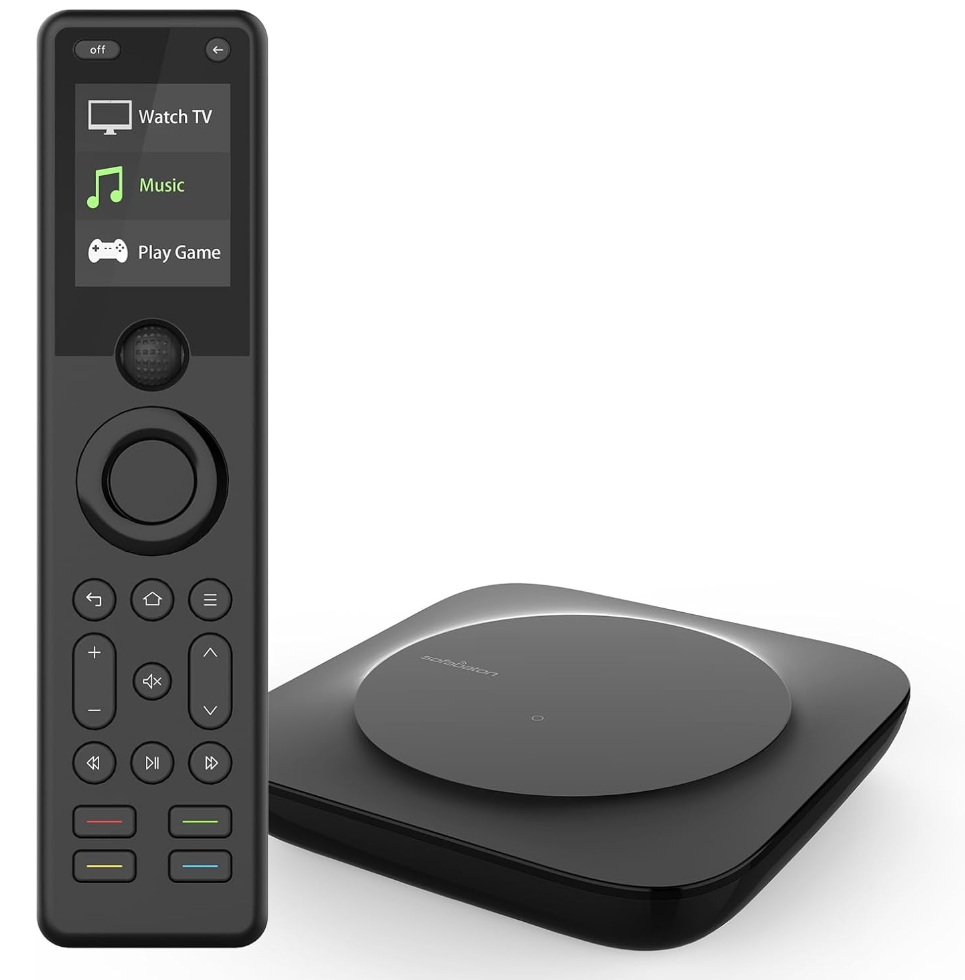
The Sofabaton X1S is a great buy overall, and I recommend it to anyone who needs to control a lot of devices at once. Their customer service is also excellent and a huge bonus to an already great product. The Sofabaton pulled all of my devices into one easy to use remote and smartphone app. This thing just works when I need it. With the ability to issue post commands from the remote, I can do an unlimited number of things through Home Assistant.
The remote itself is plastic, but does not feel easily breakable or overly cheap. I charge it so infrequently that it's not even something I think about. It gets used every day, so it clearly has solid battery life.
I would love to say I've had no issues with the remote or the software, but that would be a lie. For some reason, I had a difficult time getting my Chromecast to turn on through activities. This would cause the activity to hang, and after a long delay everything would finally turn on. I worked around this by using a post command through Home Assistant to power on the Chromecast using an ADB command. This issue could've been fixed long ago by the Sofabaton team, but my workaround is working just fine, so I am leaving it as is for now. 😉
The remote has a scroll wheel at the top that controls which activity you are in or which device you are controlling. On my unit, that wheel would sometimes take double inputs, scroll more than intended, or even move the menu in the wrong direction.
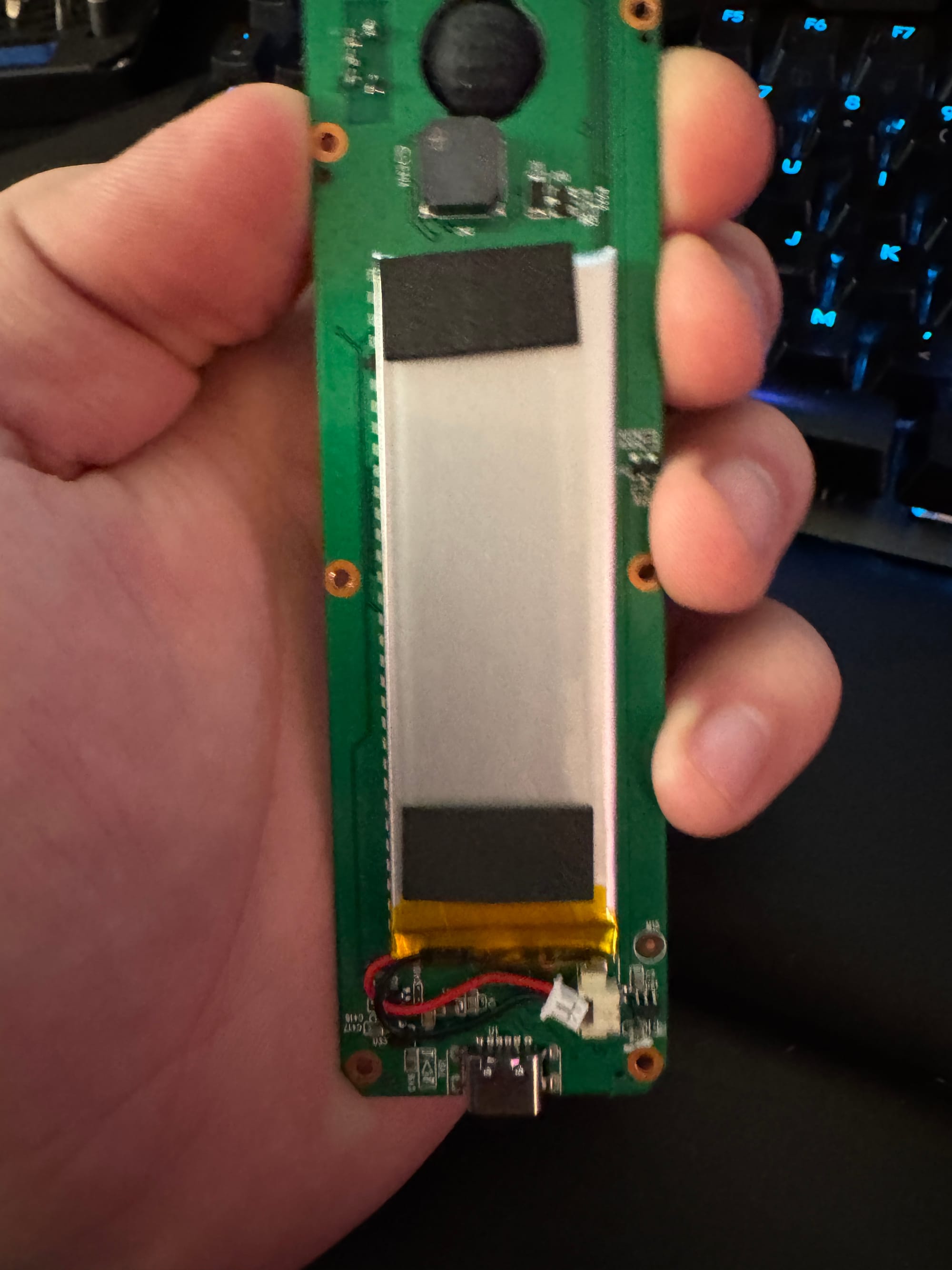
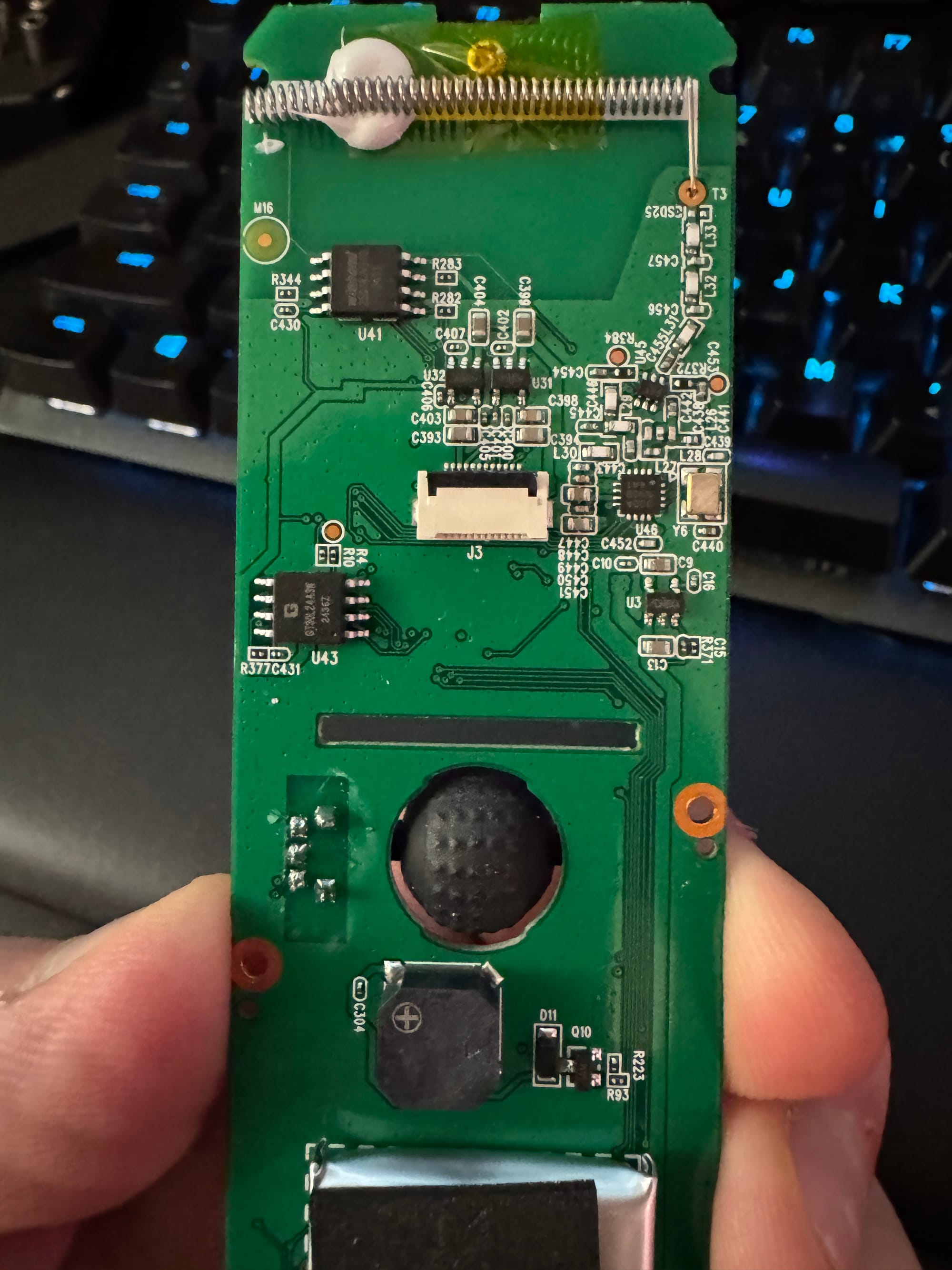
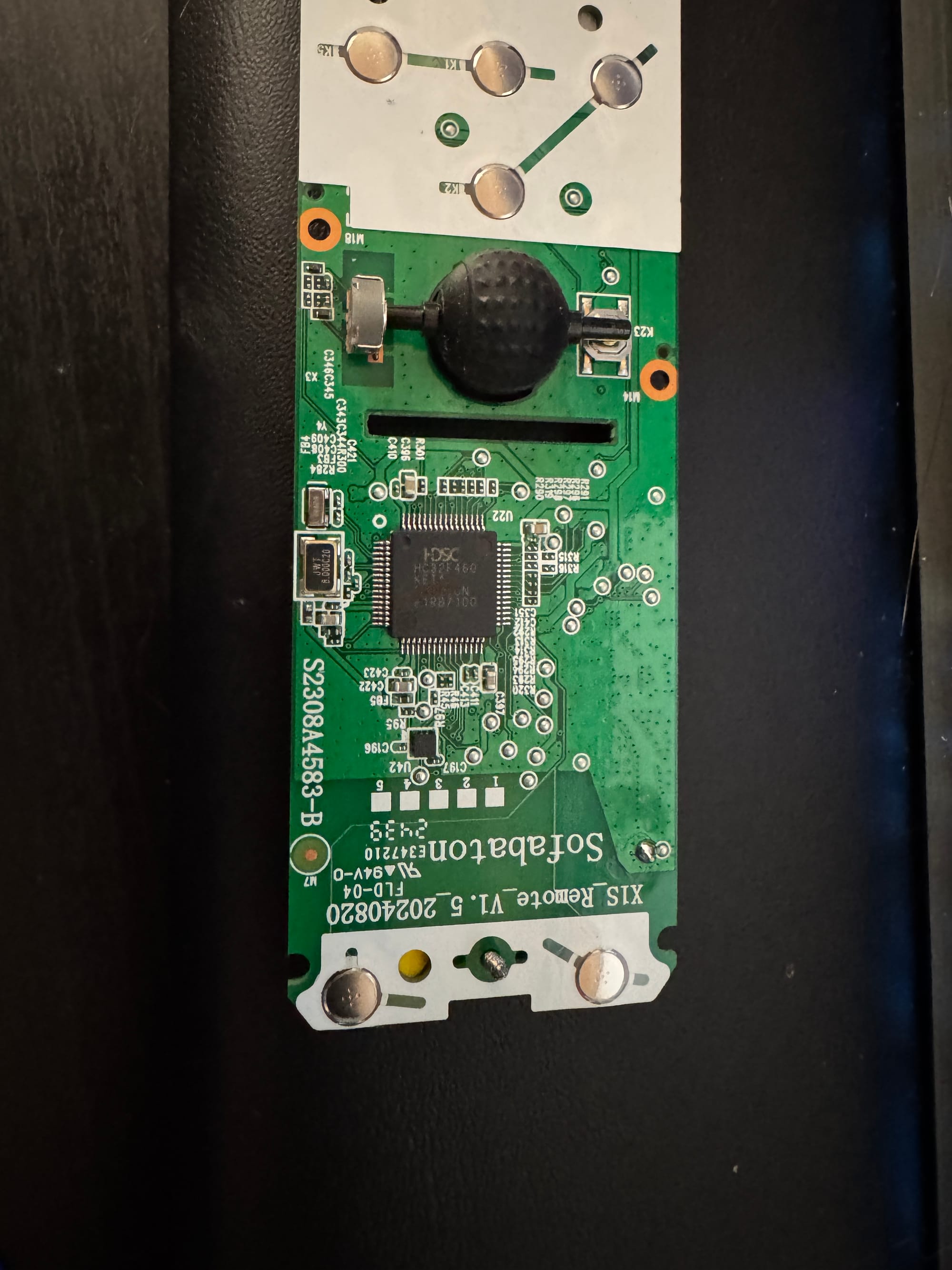
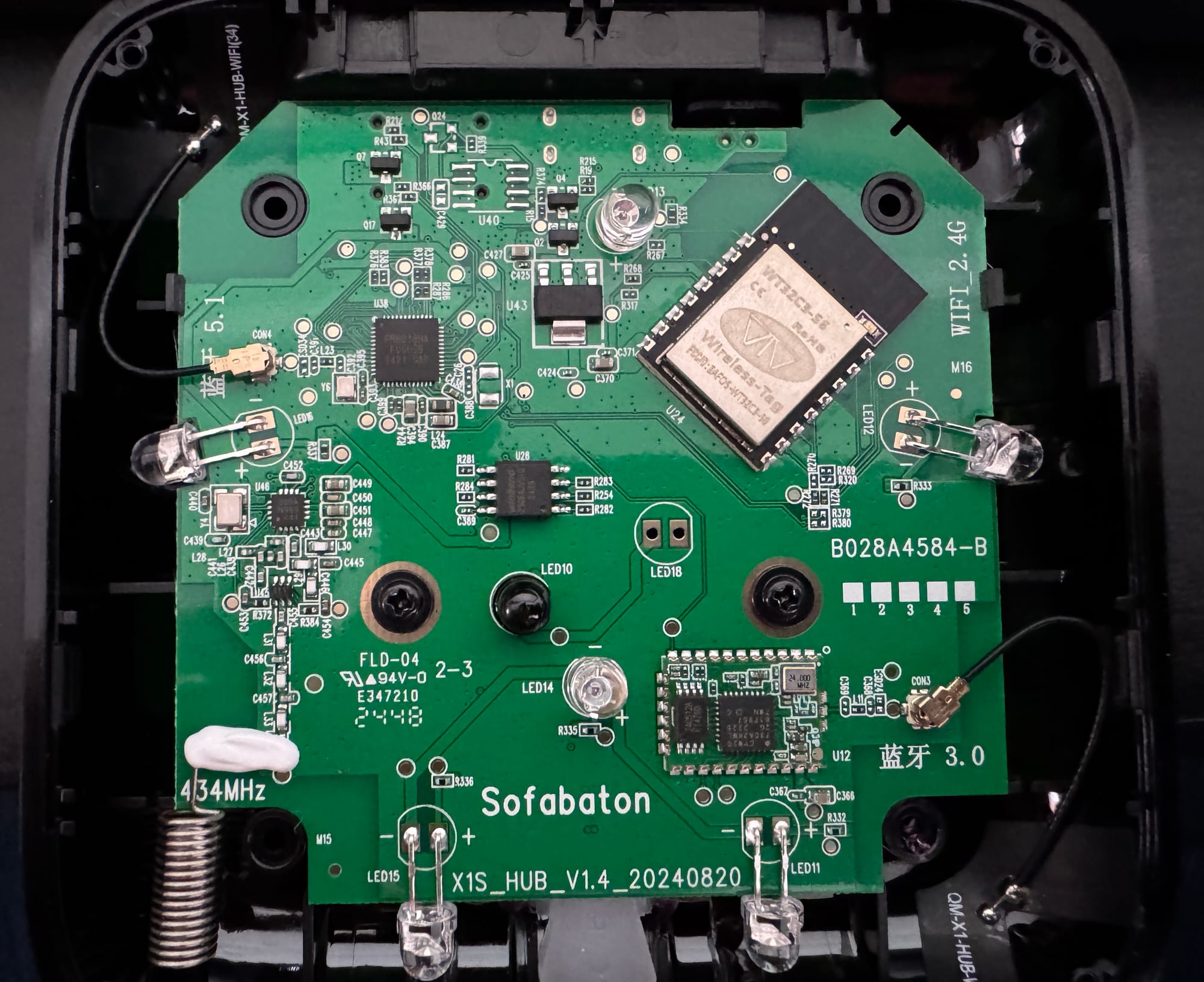
Sofabaton support was quick to suggest cleaning the scroll wheel with alcohol, and they even suggested taking it apart to clean it. I cleaned it with alcohol twice before they ultimately replaced the remote, which fixed the issue for good. When I took both the remote and the hub apart, they were fairly easy to get into and reassemble. They score a lot of points for repairability in my book. It also really stood out to me that they were willing to suggest taking it apart at all, especially in a world where the tech industry would generally prefer we didn't.
One other annoyance is that only one person (device) can use the Sofabaton app to control the hub at a time. That includes if it's running in the task switcher on someone's phone. With the release of the Sofabaton X1, X1S, and X2 Home Assistant custom integration, this issue is effectively solved. I can add the remote directly into a Home Assistant dashboard, thus avoiding the need to use the smartphone app altogether. I believe this limitation is also fixed natively with the newer Sofabaton X2 hardware, since it uses MQTT for communication. But have not bought one to test.
When the HACS integration for the Sofabaton X1S came out an employee reached out to it's author m3tac0de to offer them a free SofaBaton X2. Quite the opposite of the hostility one could bump into when reverse engineering someone's product.
And the Teardown Photos!


Member discussion